Inside KezKit One · Business Tools
Get a useful brief. Keep the conversation together.
Ask for the details that matter to the job, instead of expecting a customer to know what to put in a blank email. Review their response in a private workspace and give your team a clear next step.
What you can do
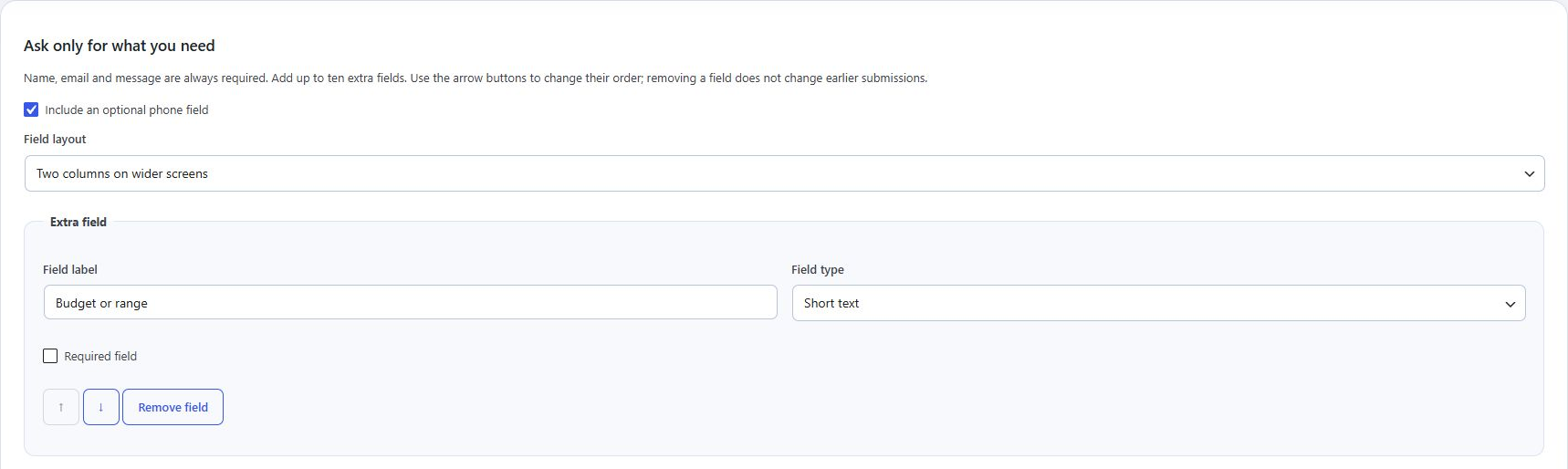
- Build enquiry, quote and information forms with text, choice, date, number and consent fields.
- Offer optional supporting attachments with private access rather than public media links.
- Choose response messages and notification recipients for each form.
- Keep status, staff assignment, notes and follow-up context beside the original submission.
Notifications use your website’s mail delivery. Configure and test delivery with your host. Response consent and optional marketing consent are separate.
Start with the part your business needs.
Configure the essentials
Use your real business details and the tool’s setup guidance. Keep administrator settings separate from staff work.
Try the customer journey
Check the public action, the resulting record and the permitted staff or customer view before relying on it.
Bring it into daily work
Give your team the access they need and keep important confirmations, changes and follow-up in the right workspace.
One connected foundation
Make your next website work harder for your business.
Start with your brand. Add the tools your customers and team need. Keep your pages editable, on your own WordPress website.