Inside KezKit One · Business Tools
A familiar place for the customer’s next visit.
Keep the customer relationship on your own branded website. Eligible customers can return to their connected activity and membership benefits rather than searching for an old confirmation email.
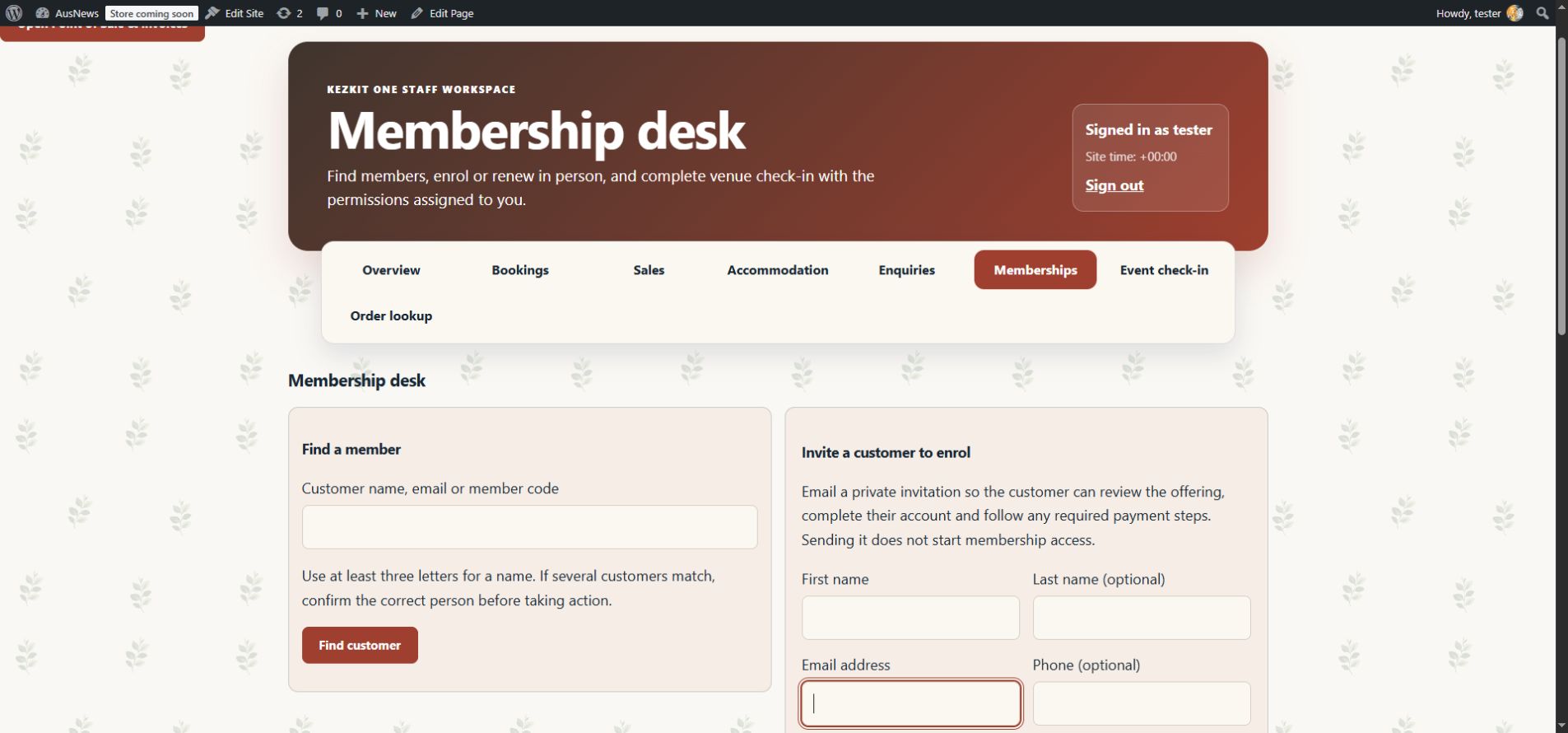
What you can do
- Provide registration, sign-in and password recovery using WordPress accounts.
- Show eligible connected booking, membership and request information.
- Keep protected membership content tied to the right account.
- Use WooCommerce’s existing account and order authority when commerce is connected.
Customers see their authorised records, not the staff workspace or a public customer directory. Optional Google sign-in requires its own setup.
Start with the part your business needs.
Configure the essentials
Use your real business details and the tool’s setup guidance. Keep administrator settings separate from staff work.
Try the customer journey
Check the public action, the resulting record and the permitted staff or customer view before relying on it.
Bring it into daily work
Give your team the access they need and keep important confirmations, changes and follow-up in the right workspace.
One connected foundation
Make your next website work harder for your business.
Start with your brand. Add the tools your customers and team need. Keep your pages editable, on your own WordPress website.