Inside KezKit One · Business Tools
Look like yourself. On every page.
A good website should feel like one business, not a collection of unrelated templates. Bring shared design choices together, then shape individual pages around what you need to explain.
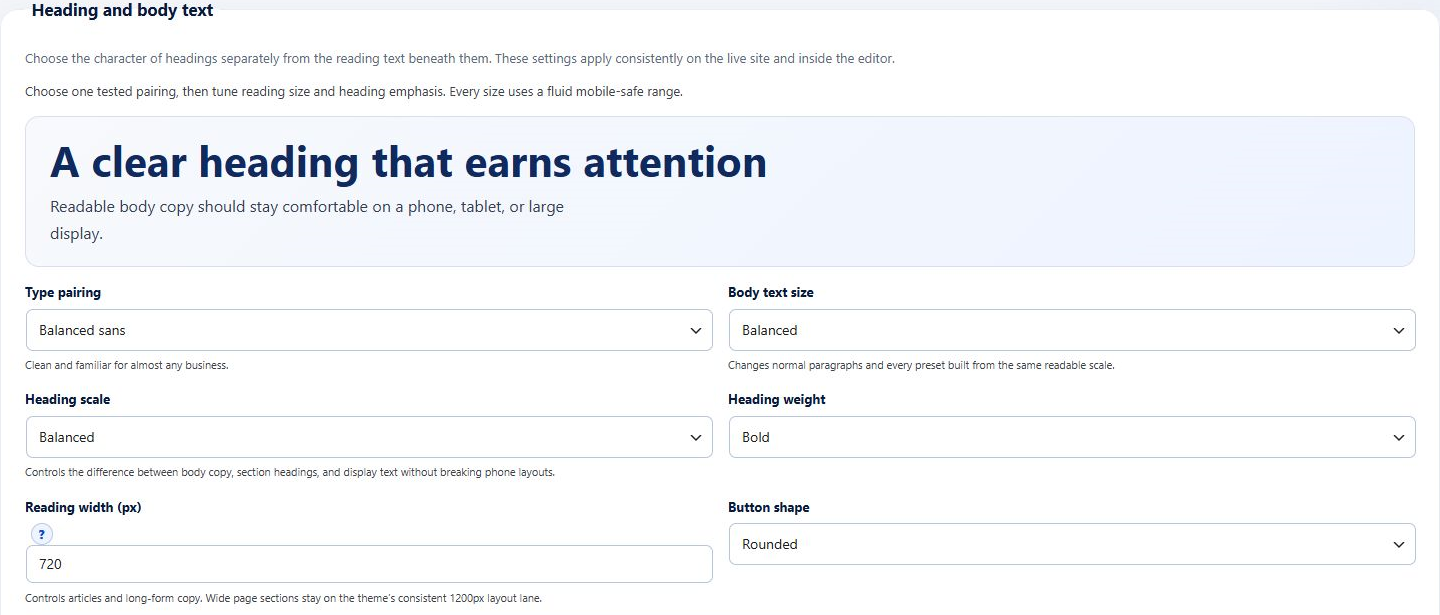
What you can do
- Coordinate colours, type pairings, heading scale, reading width and buttons in Brand Design.
- Choose headers, navigation, footers, illustrated motifs and surface treatments.
- Start with editable sections or a complete starter design, then replace example content with your own.
- Use galleries, comparisons, tabs, FAQs, staff profiles and timelines where they genuinely help a visitor.
Pages use the native WordPress block editor. The parent Theme remains functional without Core; interactive business tools belong to Core.
Start with the part your business needs.
Configure the essentials
Use your real business details and the tool’s setup guidance. Keep administrator settings separate from staff work.
Try the customer journey
Check the public action, the resulting record and the permitted staff or customer view before relying on it.
Bring it into daily work
Give your team the access they need and keep important confirmations, changes and follow-up in the right workspace.
One connected foundation
Make your next website work harder for your business.
Start with your brand. Add the tools your customers and team need. Keep your pages editable, on your own WordPress website.