Inside KezKit One · Business Tools
Take the event from invitation to arrival.
Give people one clear destination for the details, their response and the day itself. Keep your team’s attendee work connected to the public event.
What you can do
- Publish event information, venues, dates and times.
- Manage free RSVPs, capacity, waitlists and cancellations.
- Offer paid event tickets through a configured WooCommerce checkout.
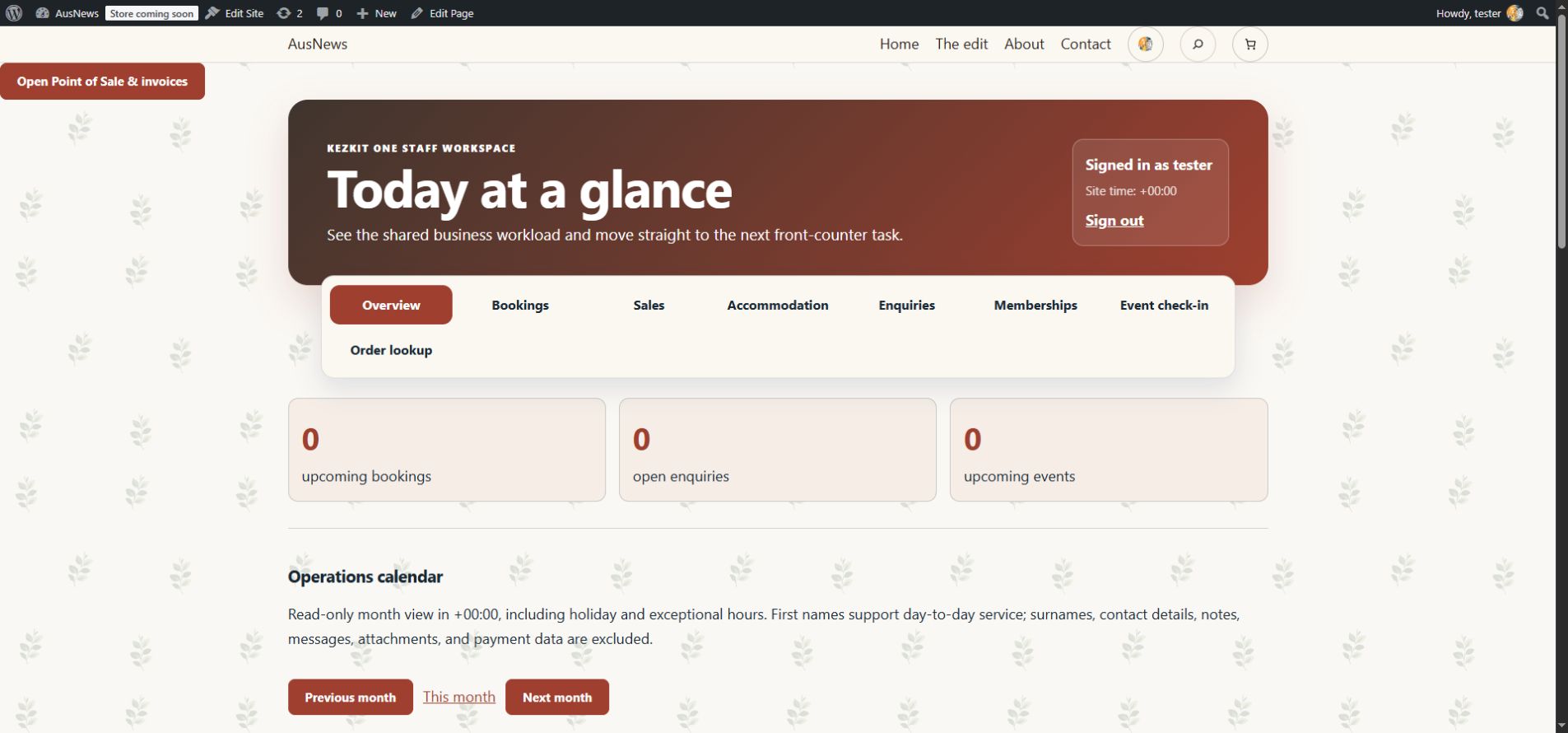
- Give authorised staff attendee lists and event check-in with correction history.
Event information and free RSVPs do not need a payment provider. Paid tickets require WooCommerce and a working payment connection. Check-in does not prove attendance beyond the action recorded by staff.
Start with the part your business needs.
Configure the essentials
Use your real business details and the tool’s setup guidance. Keep administrator settings separate from staff work.
Try the customer journey
Check the public action, the resulting record and the permitted staff or customer view before relying on it.
Bring it into daily work
Give your team the access they need and keep important confirmations, changes and follow-up in the right workspace.
One connected foundation
Make your next website work harder for your business.
Start with your brand. Add the tools your customers and team need. Keep your pages editable, on your own WordPress website.